AI WORKFLOW DESIGN
Structured Property Inventory
Designing an AI-assisted workflow to transform unstructured photographs into an organized, review-ready structured property inventory
In This Case Study
Use Case
- AI-Assisted Workflow Design
- Visual Data Analysis
- Inventory & Data Structuring
- Process Improvement
- Human Review & Validation
Project Timeline: September 2026
Platforms Used:

ChatGPT

Google Drive

Google Sheets
Story Overview
A client needed to create a detailed household property inventory but had no existing itemized record—only a collection of photographs showing the contents of the home.
Rather than manually reviewing and documenting every image, I designed an AI-assisted workflow that transformed the photographs into structured inventory data. I used AI to identify visible items, organize photos by room, recognize duplicate items across multiple images, group appropriate items, and flag uncertain information for human review.
As a result, the client had approximately 100 structured property records to verify, correct, and supplement.
Results
- Transformed unstructured photographs into structured inventory data
- Created approximately 100 review-ready property records
- Consolidated duplicate items appearing across multiple photos
- Maintained photo references for traceability
- Built human review and validation into the AI workflow
- Created an expandable structure for future research and valuation
The Background
When the Information Exists, but Isn’t Structured
A client needed to create a detailed household property inventory but did not have an existing itemized record. However, the client had photographs of belongings across several rooms.
Even with those photos, a manual inventory would mean reviewing each image, identifying belongings, checking for duplicates, and entering the details into a spreadsheet.
Rather than treating the project as a manual data-entry exercise, I designed an AI-assisted workflow to analyze the photographs, organize the information, and create a structured starting point for client review.
The Challenge
Turning Visual Information Into Reliable Inventory Data
The challenge was not simply identifying objects in photographs. For example, the same item could appear in several photos. Some photos showed dozens of belongings, while others gave too little detail to identify an item precisely.
The workflow needed to account for:
- recognizing and consolidating items appearing across multiple photographs
- organizing photographs and inventory records by room
- deciding when to record items individually or group them
- distinguishing confident identifications from items requiring client confirmation
- maintaining references between inventory records and source photographs
- avoiding guesses when a photo offered too little detail
The goal was to use AI to cut the time it took to review and organize the photos. However, the client still needed to check the AI’s observations, correct errors, and add supporting details.
Consulting Approach
Designing the Process Before Applying the AI
Before using AI, I defined how the workflow would analyze, organize, and validate the information.
First, I separated photo-based identification, client verification, and potential valuation into distinct stages. In Phase One, I focused on items the photos showed clearly enough to document.
Next, I set rules for recording individual items, grouping collections, and handling duplicates. I also set rules for flagging uncertain details for review.
The workflow followed these steps:
Photographs → AI Visual Analysis → Structured Inventory → Client Review → Research & Valuation, if needed
In practice, AI handled much of the initial review and organization. The client then used their own knowledge to verify details and make judgment calls.
Implementation
From Photographs to a Working Inventory
I set up a shared Google Drive workspace for the client’s photos and project files. That way, the client could upload photos in bulk without organizing them first.
Next, I used AI to:
- classify and organize photographs by room
- identify visible household property
- consolidate items appearing across multiple photos
- group collections when individual identification was impractical
- assign consistent item IDs and descriptions
- retain source-photo references for traceability
- flag uncertain observations for client confirmation
Then I added the records to a shared Google Sheets inventory. The sheet also had space for purchase details, supporting documents, product research, comparable prices, and estimated values.
If a photo didn’t show enough detail, I left the field blank for the client to verify.
The Outcome
From Unstructured Photos to a Review-Ready Inventory
The AI-assisted workflow produced approximately 100 structured property records. It organized the records by room and linked them to supporting photos.
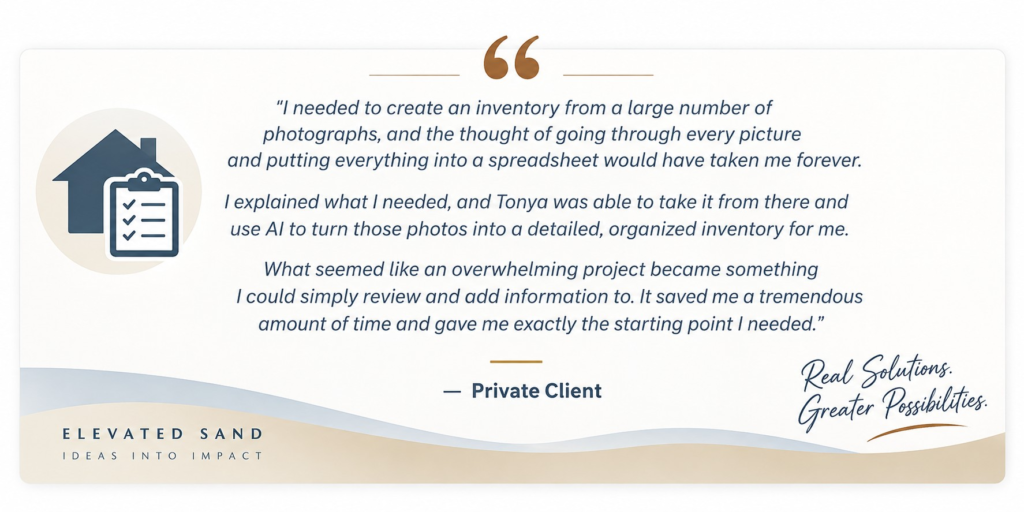
Instead of starting with a blank spreadsheet, the client could review the records, correct any errors, and add details only they knew.
The completed Phase One inventory provided:
- approximately 100 organized property records
- consistent item IDs and descriptions
- room-based organization
- source-photo references for traceability
- flags for items requiring client confirmation
- fields ready for purchase details, documentation, research, and potential valuation
Overall, the inventory gave the client a starting point they could check and build on.
Operational Impact
Reducing Manual Effort While Preserving Human Judgment
In this case, AI helped with the most time-consuming tasks: reviewing photos and turning visible belongings into inventory records.
As a result, the client could spend less time reconstructing the inventory from memory and more time checking details that required firsthand knowledge.
The approach also created a reusable model for other visual inventory needs, including insurance documentation, estate planning, moving and downsizing, yard or estate sales, clothing inventories, and general household property records.
Ultimately, AI helped turn photos into usable inventory records, while the client retained responsibility for verifying the details.