AI WORKFLOW DESIGN
From Photos to a Structured Property Inventory
Designing an AI-assisted workflow to transform unstructured photographs into organized, review-ready inventory records

Use Case
- AI-Assisted Workflow Design
- Visual Data Analysis
- Inventory & Data Structuring
- Process Improvement
- Human Review & Validation
Platforms Used:

Project Timeline: September 2026
The Background
When the Information Exists, but Isn’t Structured
A client needed to create a detailed household property inventory but did not have an existing itemized record. What was available was a collection of photographs capturing belongings across multiple rooms.
Creating the inventory manually would require reviewing each photograph, identifying visible items, reconciling objects appearing in multiple images, and transferring the information into a structured format.
Rather than treating the project as a manual data-entry exercise, I designed an AI-assisted workflow to analyze the photographs, organize the information, and create a structured starting point for client review.
The Challenge
Turning Visual Information Into Reliable Inventory Data
The challenge was not simply identifying objects in photographs. The same item could appear in several images, individual photographs could contain dozens of belongings, and some items could only be identified at a general level.
The workflow needed to account for:
- recognizing and consolidating items appearing across multiple photographs
- organizing photographs and inventory records by room
- determining when items should be documented individually versus grouped
- distinguishing confident identifications from items requiring client confirmation
- maintaining references between inventory records and source photographs
- avoiding assumptions about details that could not be determined visually
The challenge was to use AI to reduce the manual effort involved in analyzing and organizing the photographs without treating AI-generated observations as verified facts. The resulting inventory needed to remain structured for human review, correction, and additional documentation.
Consulting Approach
Designing the Process Before Applying the AI
Rather than asking AI to simply “inventory the photographs,” I first defined how the information should be analyzed, organized, and validated.
The project was separated into stages so that photo-based identification, client verification, and potential valuation remained distinct. Phase One focused solely on documenting what could reasonably be identified from the available photographs.
I established guidelines for when to create individual records, when items could be grouped, how to handle objects appearing across multiple photographs, and when uncertain information should be flagged rather than assumed.
The workflow was structured as:
Photographs → AI Visual Analysis → Structured Inventory → Client Review → Research & Valuation, if needed
This approach allowed AI to handle much of the initial analysis and organization while reserving personal knowledge, verification, and judgment for the client review process.
Implementation
From Photographs to a Working Inventory
A shared Google Drive workspace centralized the client’s photographs and project files, allowing images to be uploaded in bulk without requiring the client to organize them first.
Using the established guidelines, AI was used to:
- classify and organize photographs by room
- identify visible household property
- consolidate items appearing across multiple photos
- group collections when individual identification was impractical
- assign consistent item IDs and descriptions
- retain source-photo references for traceability
- flag uncertain observations for client confirmation
The resulting records were populated into a centralized Google Sheets inventory designed to support both the initial documentation and future additions such as purchase details, supporting documentation, product research, comparable pricing, and estimated value.
Information that could not be supported by the photographs was intentionally left blank for client review and validation.
The Outcome
From Unstructured Photos to a Review-Ready Inventory
The AI-assisted workflow transformed a collection of household photographs into approximately 100 structured property records, organized by room and linked to supporting photos.
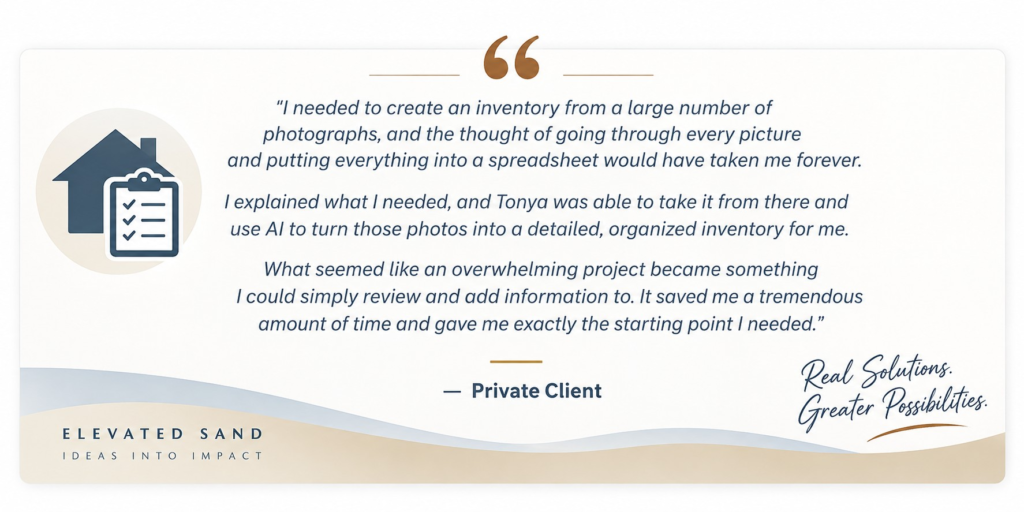
Instead of starting with a blank spreadsheet, the client received a populated inventory that could be reviewed, corrected, and supplemented with information only they could provide.
The completed Phase One inventory provided:
- approximately 100 organized property records
- consistent item IDs and descriptions
- room-based organization
- source-photo references for traceability
- flags for items requiring client confirmation
- fields ready for purchase details, documentation, research, and potential valuation
The result was a practical starting point that shifted the client’s role from reconstructing an inventory from scratch to reviewing and validating an already structured record.
Operational Impact
Reducing Manual Effort While Preserving Human Judgment
The workflow shifted the most time-intensive work—reviewing photographs and translating visible property into structured data—from a largely manual process to an AI-assisted one.
By giving the client a populated inventory to validate rather than asking them to reconstruct everything from memory, the process reduced manual effort while maintaining human oversight where personal knowledge and verification were required.
The approach also created a reusable model for other visual inventory needs, including insurance documentation, estate planning, moving and downsizing, yard or estate sales, clothing inventories, and general household property records.
The broader value is the ability to use thoughtfully directed AI to transform unstructured visual information into organized, actionable data—without removing human judgment from the process.